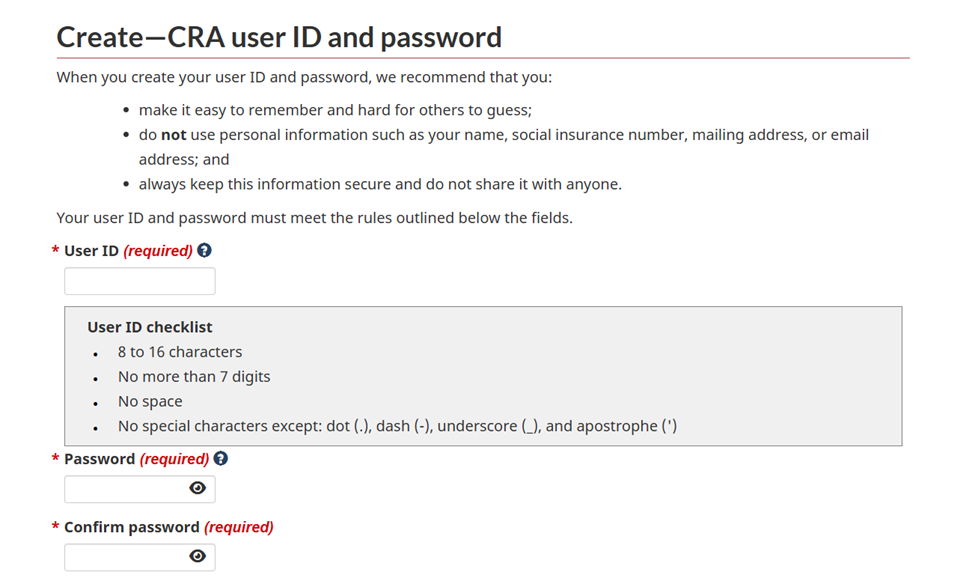
Please follow the steps below to create your CRA My Account:
Step 1 – Go to the CRA Website:
Click on the link below and go to CRA Website:
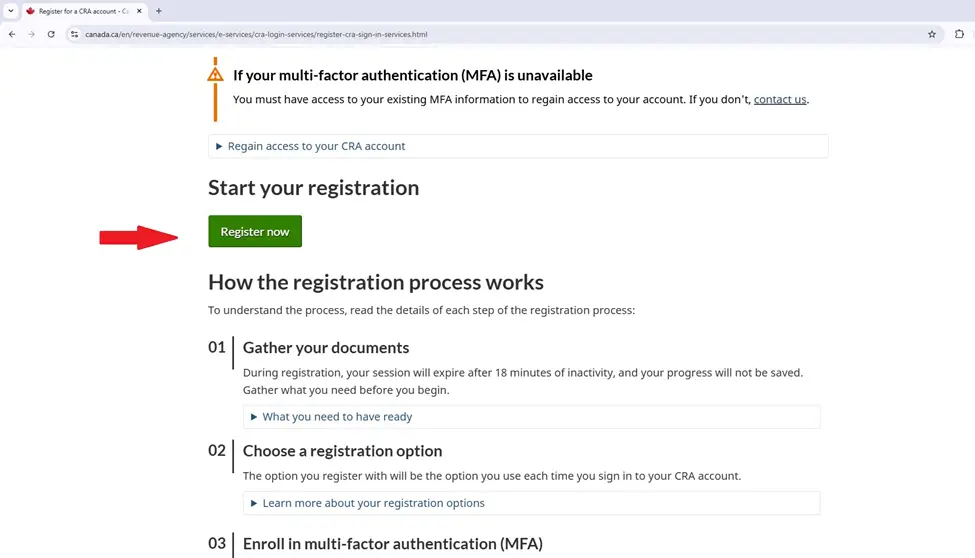
Step 2 – Choose the Best Registration Method
When prompted, select the registration option that best applies to you.
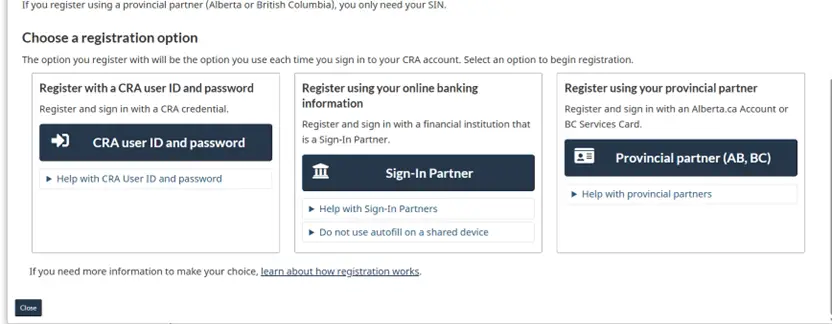
2.1 Register with a CRA User ID and Password (Recommended)
If you have the following information available, please choose:
“Register with a CRA user ID and password.”
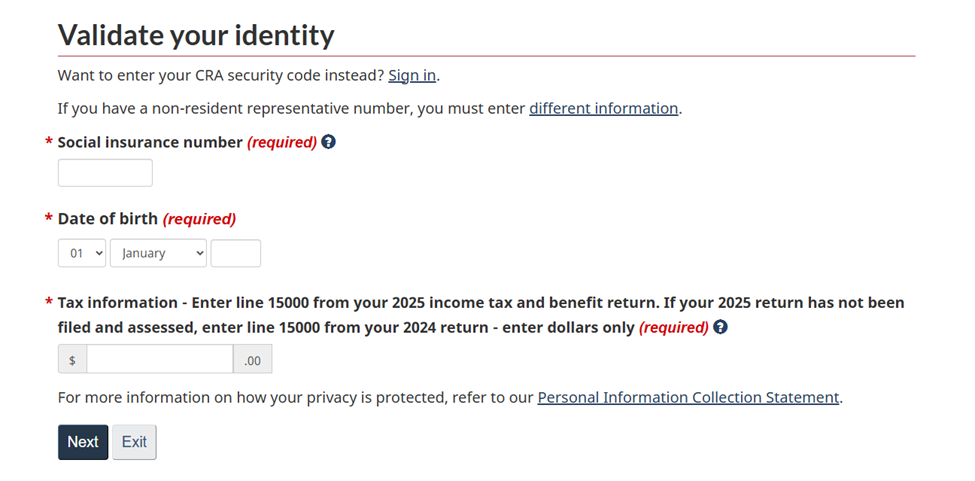
You will need:
- Your SIN (Social Insurance Number)
- Your Date of Birth
- Information from your most recent tax return
Step 3 – Choose a Verification Method
During registration, you will be asked to select a verification method.
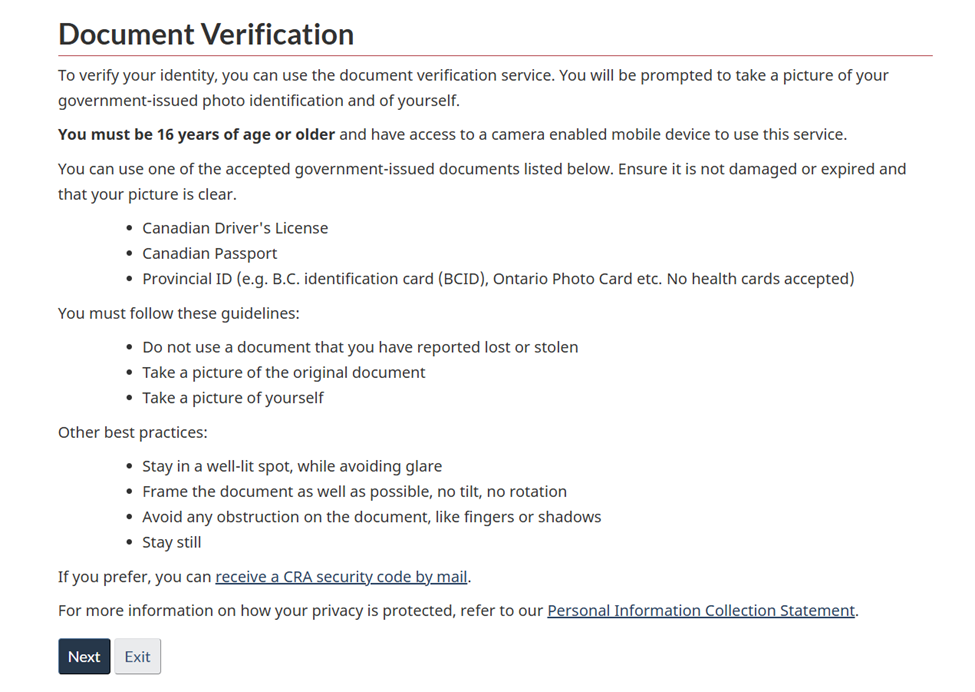
We strongly recommend choosing the first verification option (online identity verification) because:
- You can verify your identity immediately
- You will gain instant access to your CRA account
- The alternative method (security code by mail) may take up to 1–2 weeks to process
Step 4 – Complete the Registration Process
After selecting the online verification option, follow the on-screen instructions carefully and complete all required steps.
Please note:
- The registration process is personal and secure
- Your identity verification questions are unique to you
- For privacy and security reasons, you must complete this process yourself