
How to Authorize Us to Access Your CRA Account
To prepare and file your tax return, the Canada Revenue Agency (CRA) requires that you formally authorize us as your representative. If you do not have access to CRA My Account or it is your first year of tax filing, we will prepare the authorization request for you.
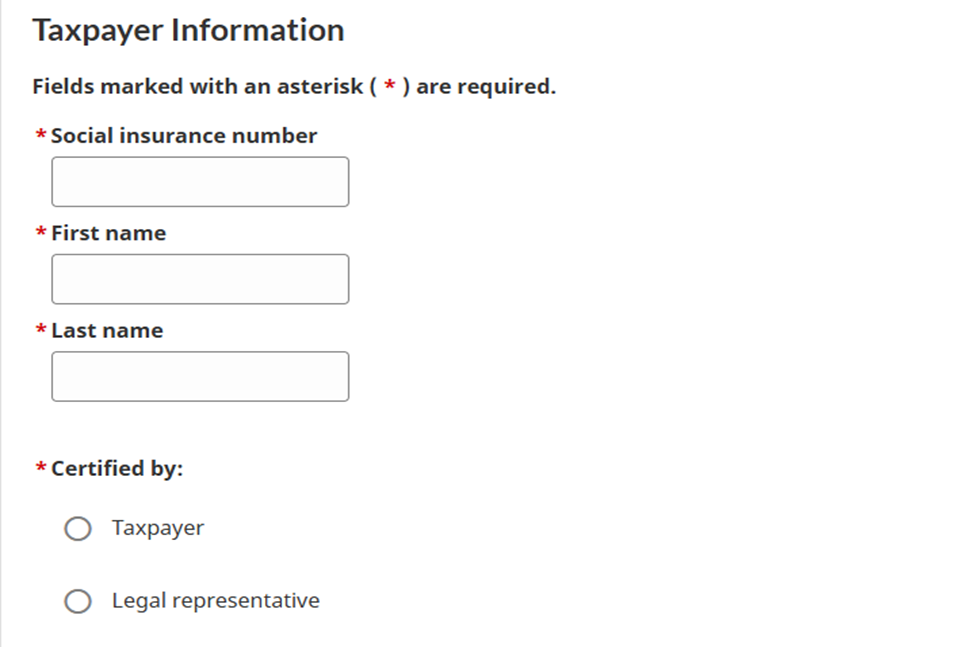
Step 1 – Provide Required Information that it mentioned below:
Please provide the identification details listed below so we can submit an authorization request to CRA on your behalf:
- Full legal name
- SIN (Social Insurance Number)
Step 2 – Review and E-Sign Authorization Letter
After receiving your information, we will prepare an Authorization Letter (Representative Authorization Form) and send it to you securely.
You will:
- Receive an email notification.
- Access the document using a unique temporary password provided by us.
- Review and electronically sign (e-sign) the document.
- Submit it back to us.
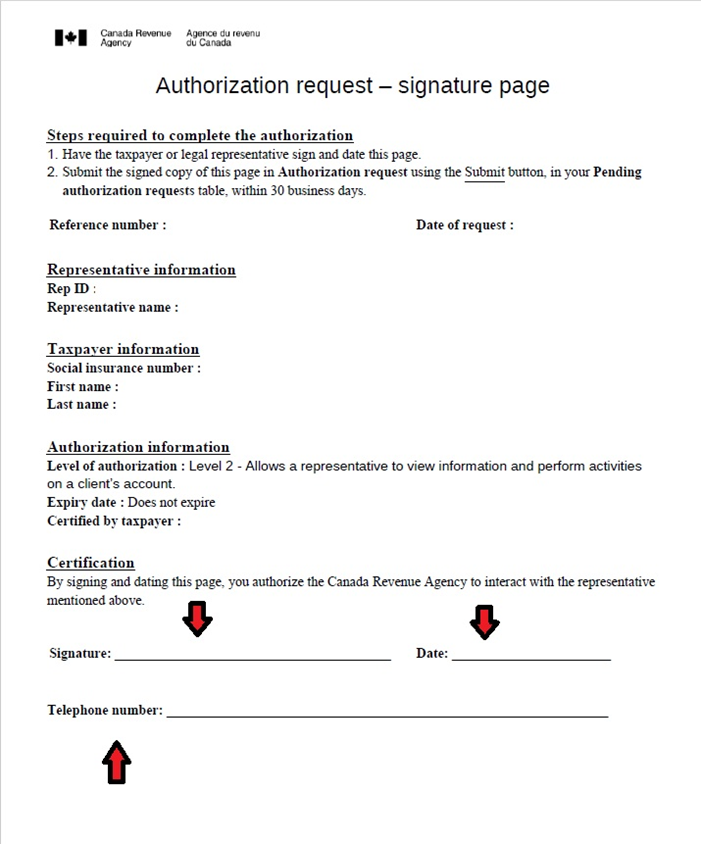
Once signed, we will submit the authorization to CRA on your behalf. In some cases, CRA may contact you directly by phone to confirm and approve the authorization request.
Authorization Level
To prepare and file your tax return properly, Level 2 authorization is required.
Level 2 access allows us to:
- View your tax information
- Communicate with CRA on your behalf
- Make necessary updates related to your return
By default, we request:
- Level 2 access
- No expiration date
You may revoke our authorization at any time after your tax return is completed.